Telematica Digital Forms for Faster Field Work in Canada
Every day, forms and reports move between drivers, technicians, supervisors, and office teams. When those processes rely on paper, they can be slow, inconsistent, and difficult to track. With Telematica Digital Forms, daily work reports, proof of delivery, inspection checklists, incident logs, refuelling records, expenses, and service updates become digital, organised, and instantly visible to your team.
Why use Telematica Digital Forms?
Reduce admin time instantly
Create, complete, and store forms digitally without printing, scanning, or manual filing. That means less paperwork and faster coordination between field and office.
Improve accuracy in every submission
Structured fields, dropdowns, signatures, attachments, and photos help teams complete forms consistently and reduce missing or unclear details.
Keep field and office teams aligned
Submitted forms are available in one place, helping office teams review updates faster without chasing paper copies, incomplete notes, or delayed reports.
Deliver a more professional service
Real-time form visibility and cleaner documentation help your team work more efficiently while giving customers a more reliable, professional experience.
Trusted by Fleets of All Sizes
Client stories
What fleets say about Telematica
The forms we previously handled on paper have been turned into fully digital workflows — and this has significantly improved the company.
Delta, Telematica customer
One app for everyday field processes
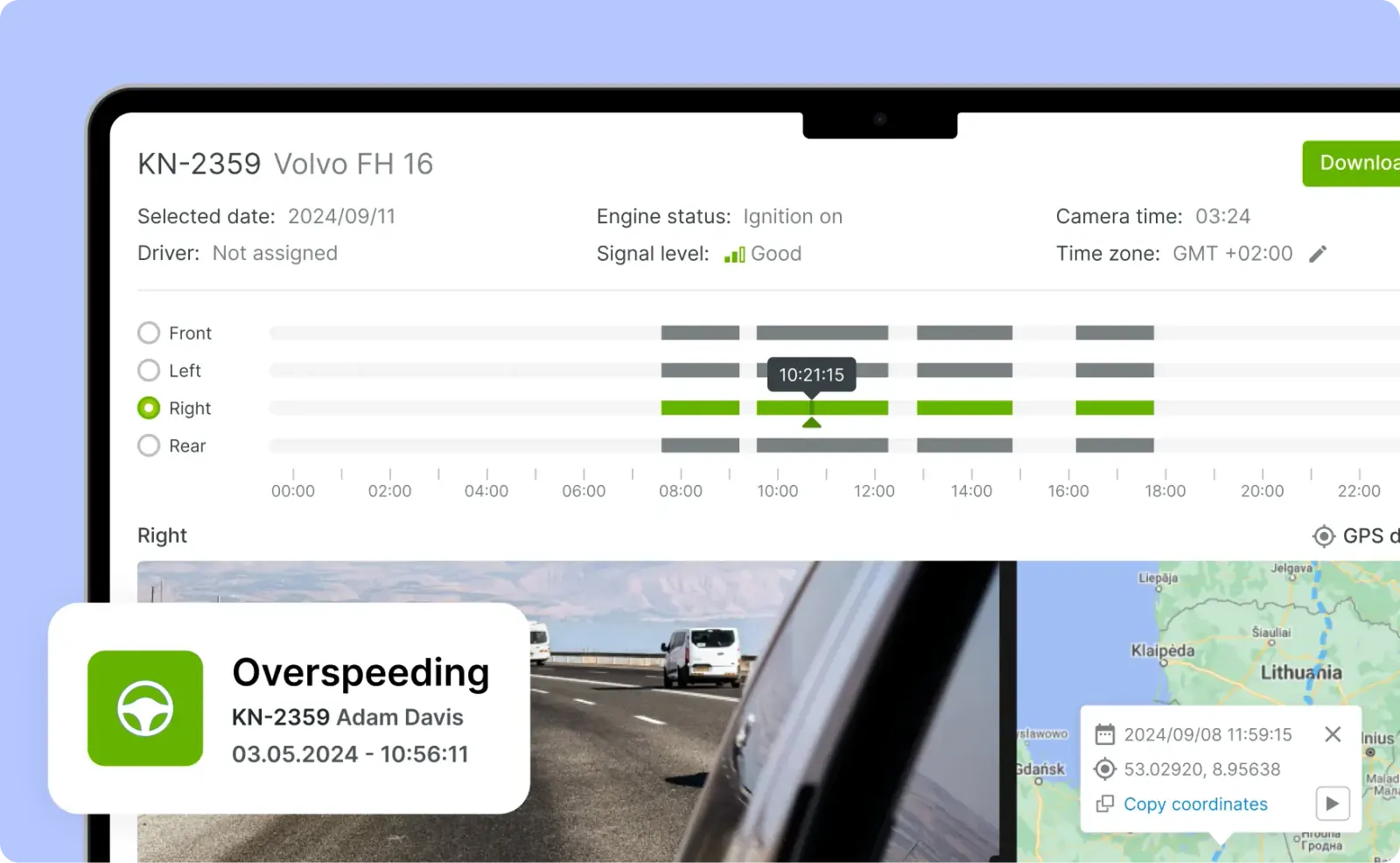
Telematica Digital Forms works directly inside the Telematica Driver app — the same app used by drivers, technicians, and field teams to manage daily work. Forms, task updates, issue reporting, status changes, and route-related information can all be handled in one place instead of across paper documents and separate tools.
Start replacing paper forms today
Complete the form and discover how Telematica Digital Forms can help your business reduce paperwork, prevent delays, and improve visibility across everyday field operations.
Get more value from every task
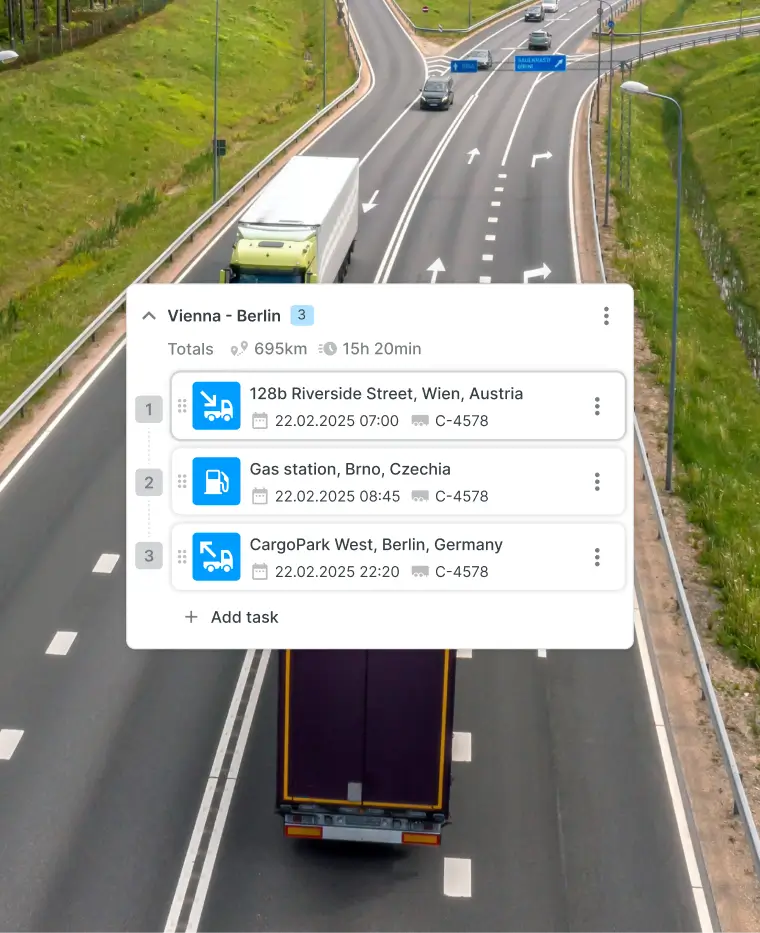
Telematica Digital Forms turns each assigned job into a more complete workflow. The driver or field worker receives the task, completes the work, and records the result directly in the app.
Photos, signatures, used materials, issue notes, and completion details can be added as soon as the work is done. This reduces manual follow-up, lowers the chance of mistakes, and speeds up validation, admin processing, and invoicing.
Because everything stays connected to task and route information, managers can review results more quickly without searching through paper files or disconnected systems.
More reasons to use Telematica Digital Forms
Guide field teams step by step
Forms can include clear instructions and required inputs so teams know exactly what must be completed before a task is closed.
Improve documentation quality
Photos, signatures, notes, and checklists help create more complete service records and reduce uncertainty for both customers and internal teams.
Adapt forms to different services
Build custom digital forms for inspections, repairs, deliveries, job completion, customer sign-off, maintenance tasks, and other operational workflows.
Keep information centralised
All form records are stored in one place so office teams can review, follow up, and share information without sorting through paper archives.
Interested in Telematica, but not sure where to start?
All you need to know is in our easy-to-read step guide:
1. Contact our team 2. Tell us what interests you, we’ll show the platform 3. Choose the device, app, or service that suits you 4. Install or set up the required hardware 5. Customise and get used to the platform with our help
Can I use Telematica Digital Forms across different teams and fleet types?
Yes. Telematica Digital Forms can be adapted for drivers, technicians, delivery teams, maintenance staff, and many other field-based workflows.
How does this help with arrival notes, receipts, and proof of service?
Arrival confirmation, signatures, comments, issue details, and service proof can be completed digitally and shared with the office immediately.
What kind of information can I record in digital forms?
You can record checklists, images, signatures, notes, expenses, materials used, job completion updates, incident details, and many other task-specific inputs.
Can Telematica Digital Forms be customised?
Yes. Forms can be tailored to suit your services, required fields, workflows, approval steps, and reporting needs.
How do field teams access the forms?
Field staff use the Telematica Driver app, while office users review submissions, progress, and related operational updates through the Telematica platform.
Can forms be completed offline and synced later?
Depending on the app setup and operating environment, forms can still be completed in the field and synced when connectivity is restored.