

How to start fleet tracking with Telematica
From first conversation to live tracking in four clear steps—no lengthy projects, no integration headaches.

1. Get in touch with our team
Fill out an inquiry form. We’ll contact you within 24 hours on business days!
2. Let’s talk about the needs of your fleet
From this point, you’ll have a dedicated client project manager. Let’s have a call to discuss things in more detail so that we can advise you about the best options for your fleet:
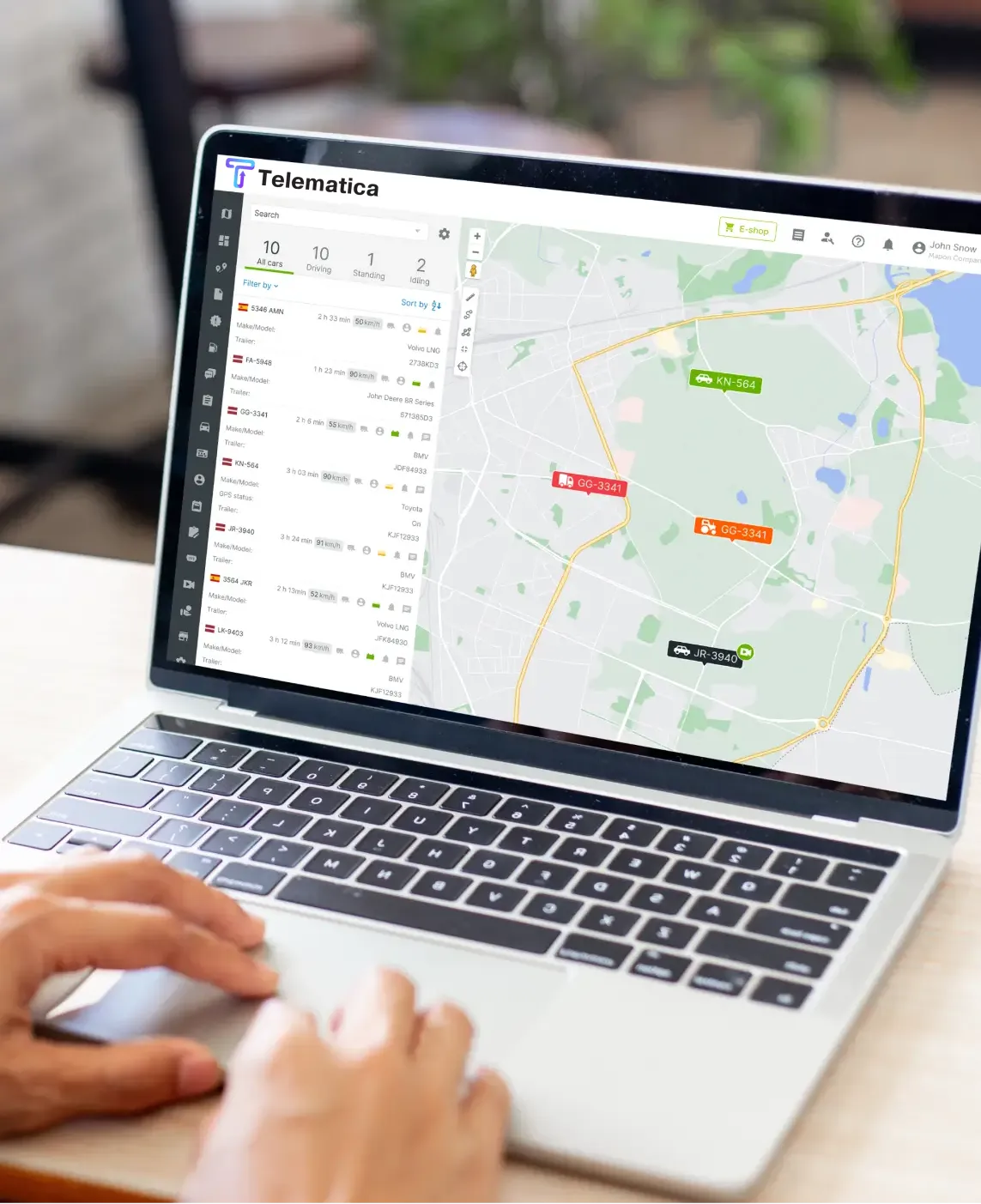
We will also show you the Telematica platform so you can be sure it’s what you’re looking for. Or, even better, we can install a test device on your company’s vehicle with free access to the platform! That way you’ll see how everything works in real-life circumstances.

3. Preparing a tailored offer and a pricing overview

Check out the offer
Using all the available information, our client project manager will prepare a price estimate that includes the most suitable subscription plan and add-ons, device costs, monthly payments for software, and so on.
Sign the contract
After discussing and finalising the quote, it’s time to sign a contract.
Access the platform
Once the contract is signed, we will give you Telematica platform access, but at that point, you won’t see any data there, unless you already have a test account.
4. Setting things up for vehicle location tracking
The main element of the Telematica platform is vehicle tracking, which requires GPS tracking devices in vehicles. A client project manager will consult you on the best options.
Our technicians can do the installation after we’ve agreed on costs and schedule. Then, our employees will activate the devices to be visible in your Telematica platform account and connect them to a specific “unit”.
In some cases, the vehicles already have devices installed from the factory, which can be connected to the platform using an integration.
If you have tracking devices from your previous fleet management solution provider, they can often be reused. We’ll need to connect them to the Telematica platform.
5. Start using Telematica with confidence
When you start using Telematica solutions, we’ll help you find what you need in the platform, from fuel data to vehicle locations.
The Telematica platform is highly customisable, so we can show you how to adapt it to your needs, including scheduled reports, alerts, integrations, dashboards, adding new employees, filling out vehicle technical information, etc.
You can always find information in our Help Center and in the internal documentation (via the Instructions button found in most platform sections).
Don’t forget to install and enable access to our mobile apps – Telematica Driver and Telematica Manager! They’ll let you manage your fleet from anywhere and communicate with your employees.
Ready to start?
Fill out the form, and we’ll get you up and running! We’ll reply to your inquiry within 24 hours on business days; advise you on best options regarding subscription plans, solutions, and devices; help with onboarding and adapting the platform to your needs
Frequently asked questions
How to start using the Telematica apps?
How to track non-powered assets?
What do I need to track fuel consumption?
What do I need to start using cameras?
What do I need to start using driver behaviour analysis?
See Telematica in action.
Request your live demo.
Join 5000+ connected fleets tracking 10,000+ vehicles. We’ll tailor a walkthrough to your fleet and show you exactly how much you can save.