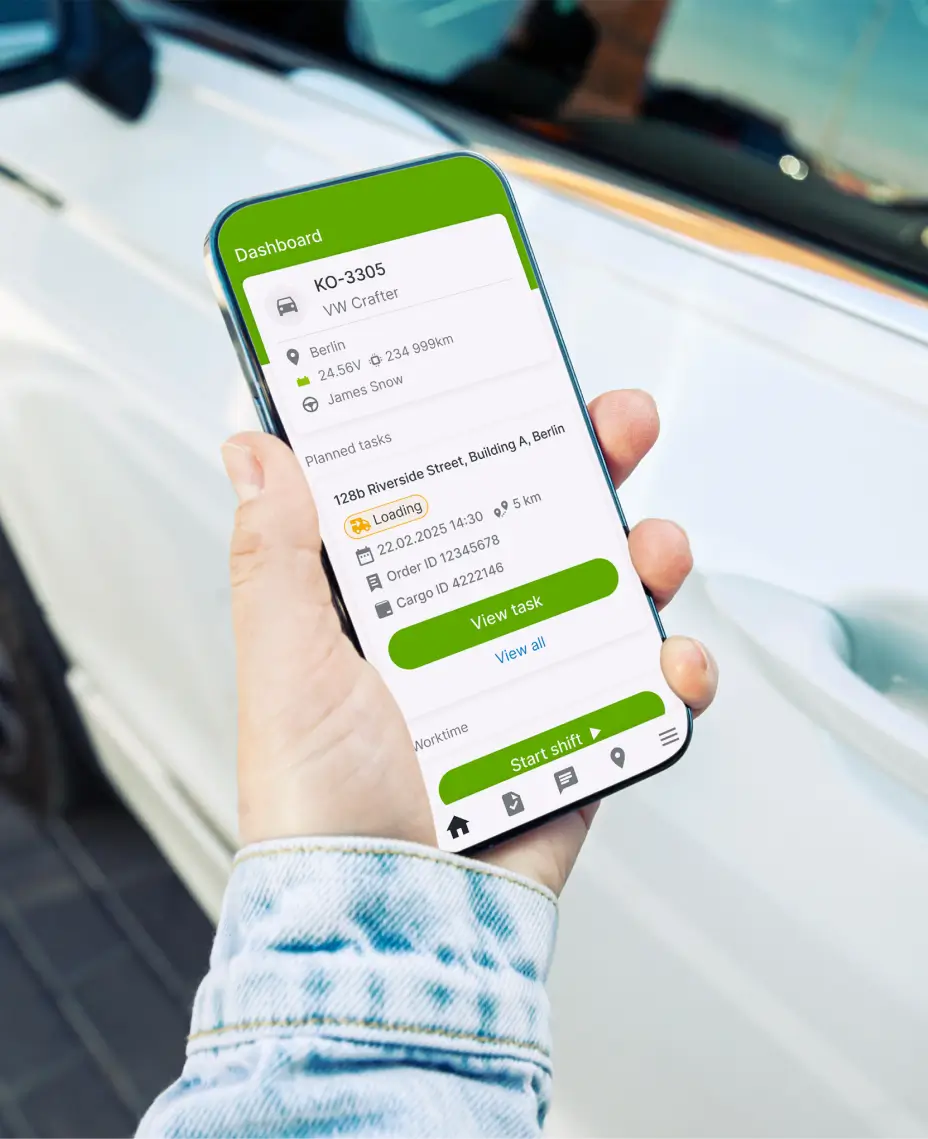
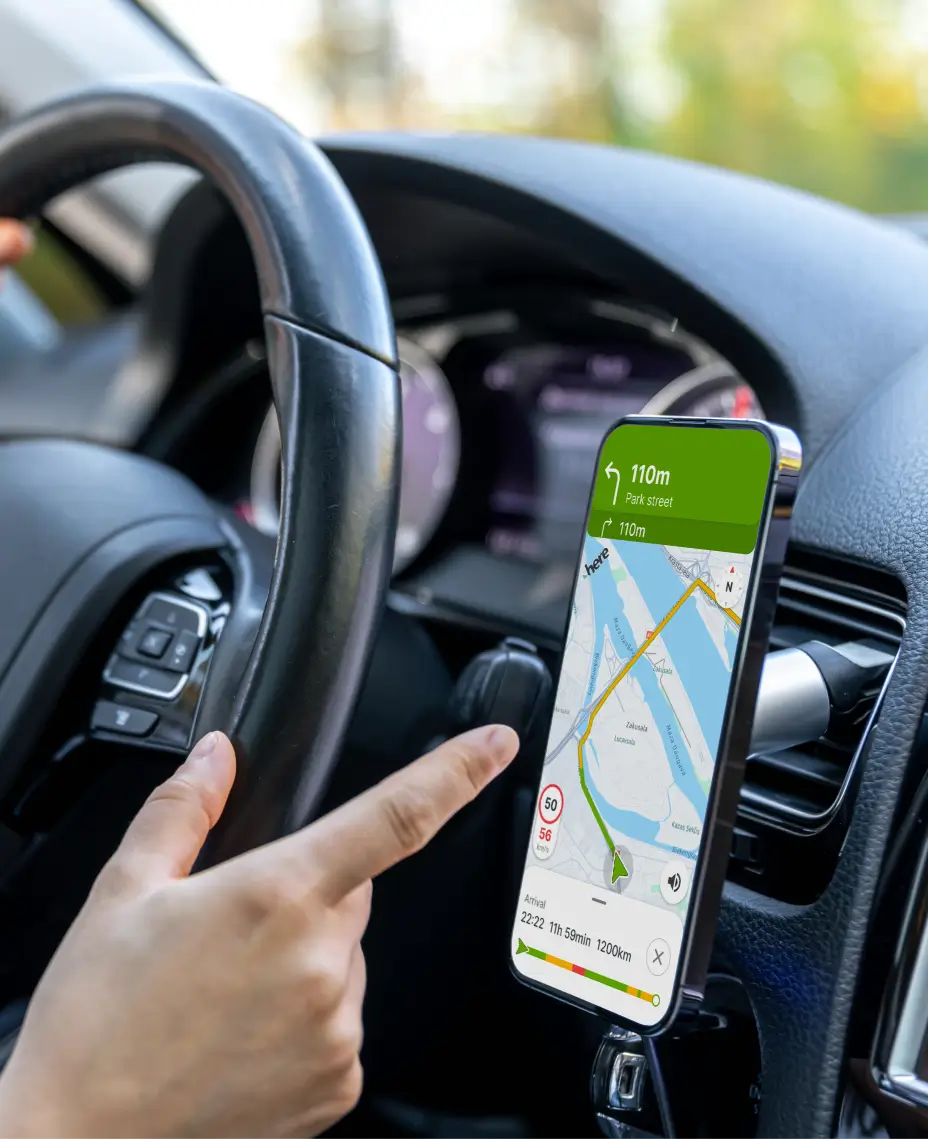
Telematica Driver helps drivers handle daily tasks, routes, worktime, and communication in one simple mobile app. Drivers don’t need another complicated system — they need one app that supports their workday and reduces confusion.
Free with every plan
Why Use Telematica Driver?
Clarity for every trip
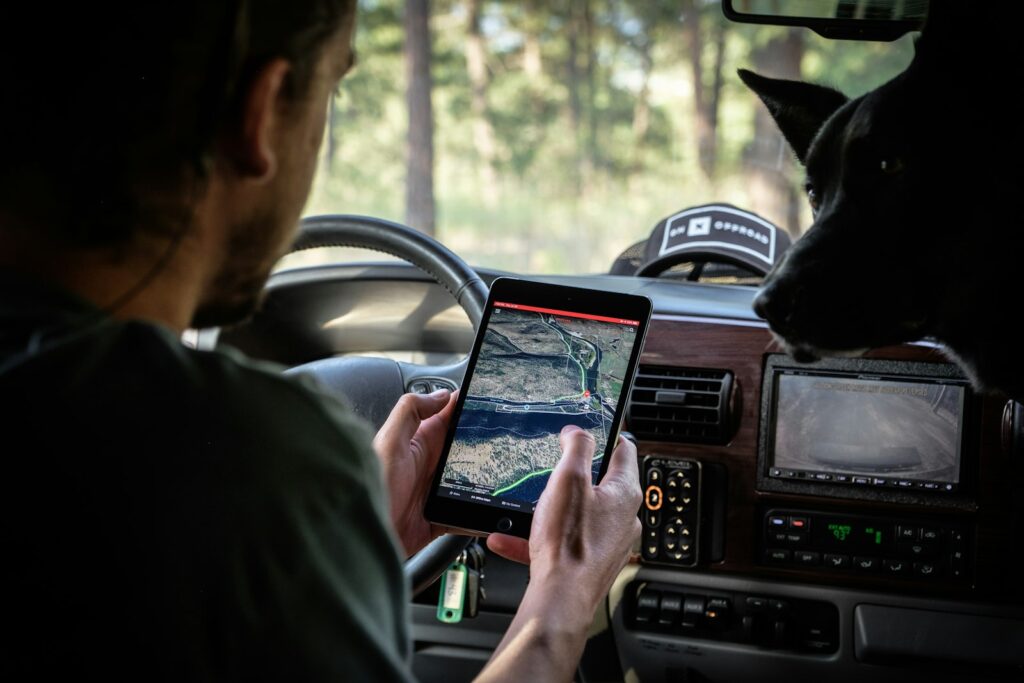
A clear mobile interface helps drivers find routes, tasks, and updates faster, so they can focus on the job instead of searching through messages or paperwork.
Fair and motivating feedback
Drivers can better understand their daily work and performance when information is visible in one place. That helps create more transparency and trust.
Simple communication that works
Drivers can send updates, comments, forms, and issue reports directly through the app without switching between multiple tools.
Useful time-saving tools, every day
From worktime and route details to forms and messaging, everything needed for the daily workflow is kept in one practical app.
Leading companies choose Telematica fleet management software
How we help drivers
The app keeps important work information in one place, so drivers spend less time checking multiple tools and more time focusing on the road and their assignments.
Telematica Driver supports communication, time tracking, and task visibility in one easy daily workflow.
Created in close cooperation with real transport and field teams.
Fleet Driver App for Android and iOS
Telematica Driver is available on both Android and iOS devices, making it accessible for every driver and field worker in your company.
Designed for drivers, trusted by managers
The Telematica Driver app combines simplicity for mobile teams with enough visibility for managers to stay informed, reduce confusion, and make smarter decisions.
Why transparency keeps drivers longer
When drivers can see route progress, hours, and task status, they spend less time feeling left out and confused.
Clearer work expectations: drivers know what has been assigned and completed
Less uncertainty: important information is visible in one place
Better trust: the office and field teams work from the same data
Loyalty: organised work and easier feedback support driver satisfaction
What drivers appreciate most
Less back-and-forth with separate apps, messages, and forms
Mobile access to routes, tasks, and worktime information
Confidence in the office knowing what was sent and what was completed
Better feedback and more transparency in the daily workflow
Start using Telematica Driver and Telematica platform
Start with the right tools for drivers and fleet managers to work faster and communicate better.
Telematica Mobile Apps for Everyone on Your Team
The Telematica Driver app gives drivers the tools they need every day, while the Telematica Manager app gives decision-makers a quick view of live fleet information from anywhere.
Telematica Manager AppTelematica Driver App
Live access to vehicle locations and fleet visibility
Quick overview of driver and route activity
Useful for supervisors and managers on the move
Supports faster response to issues and changes
Daily routes and communication tools
Worktime, forms, and issue reporting features
Simple mobile workflow for field teams
Built for drivers and daily operational use
Contact us
We can help you understand how Telematica Driver works and how it fits your fleet management setup.
Interested in Telematica, but not sure where to start?
All you need to know is in our easy-to-read setup guide:
1. Contact our team 2. Tell us what interests you, and we’ll show the platform 3. Choose the tools that suit your daily workflow 4. Install or activate what you need 5. Start using the platform with our help
How does Telematica Driver simplify a driver’s day?
Telematica Driver puts routes, communication, worktime, forms, and important updates in one mobile app so drivers do not need to switch between separate tools.
Can fleet managers see driver information?
Yes. Managers can review relevant app-related information through the wider Telematica platform and connected management tools.
What kind of daily tasks can be managed?
Drivers can handle route-related updates, worktime records, forms, issue reporting, and communication directly in the app.
Does Telematica work offline?
Some workflows can still be supported when the connection is limited, with data syncing depending on the tool setup and device connectivity.
What if a driver has no company phone but uses their own?
The app can often be used on personal mobile devices depending on your company’s internal policy and setup preferences.
How is Telematica Driver connected with other Telematica products?
Telematica Driver works as part of the wider Telematica ecosystem and complements tools like Telematica Manager and the Telematica fleet platform.
How can companies help employees start faster?
Simple onboarding, clear app structure, and step-by-step guidance from the Telematica team help drivers and managers adopt the app more quickly.